The code that decides
Seven lines. The only difference between a stopwatch that survives rotation and one that does not.
Without it
@Override
protected void onCreate(Bundle savedInstanceState) {
    super.onCreate(savedInstanceState);
    setContentView(R.layout.activity_stopwatch);
    // nothing is read back — a fresh activity starts from zero
    seconds = 0;
}
With it
@Override
protected void onCreate(Bundle savedInstanceState) {
    super.onCreate(savedInstanceState);
    setContentView(R.layout.activity_stopwatch);
    if (savedInstanceState != null) {          // arriving back from a rotation
        seconds = savedInstanceState.getInt("seconds");
        running = savedInstanceState.getBoolean("running");
    }
}

@Override
protected void onSaveInstanceState(Bundle outState) {
    super.onSaveInstanceState(outState);
    outState.putInt("seconds", seconds);          // write it down before you die
    outState.putBoolean("running", running);
}
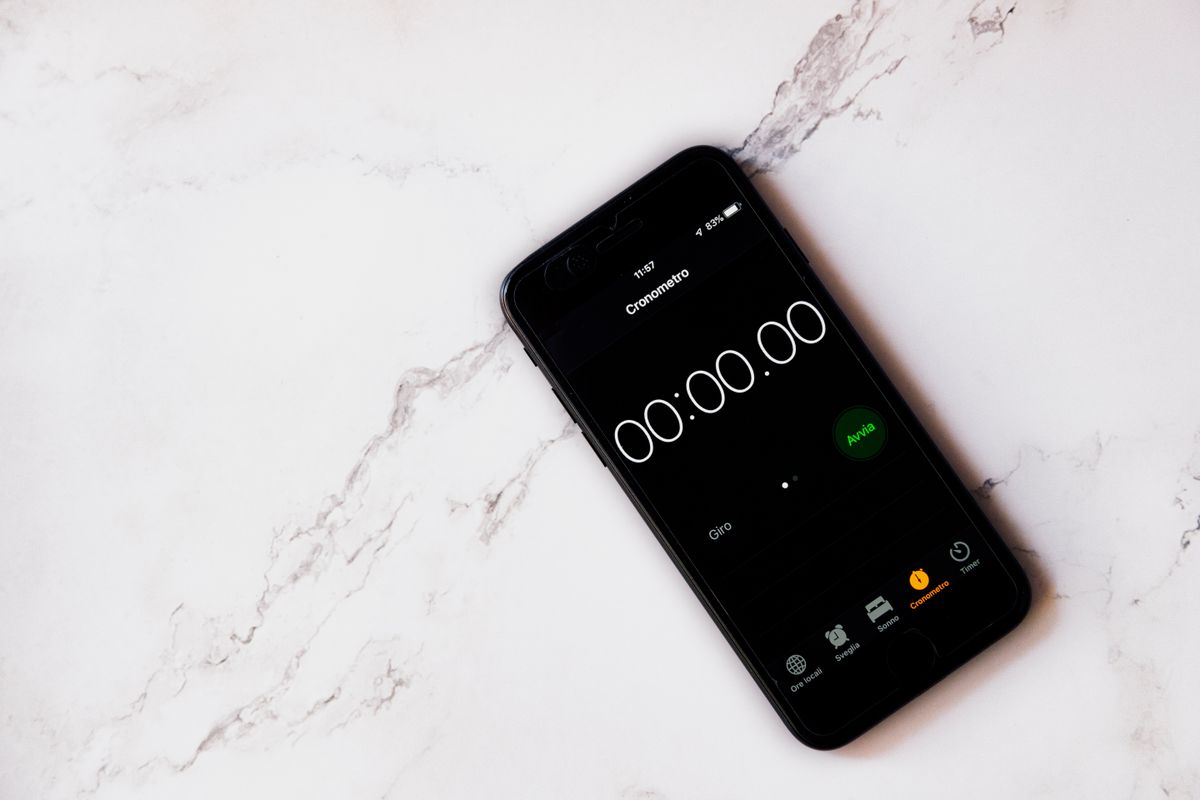
Photo Image Hunter · Pexels #21792124 · the number the user sees after a rotation that nobody handled.
A static field survives rotation — and that is exactly the problem.
It also survives the user leaving the app, coming back tomorrow, and opening a second copy of the activity. You have created state that belongs to the process but is being used as if it belonged to the screen — the classic source of “why is my app showing yesterday's data?”.
onSaveInstanceState() has the right lifetime: it lives exactly as long as the task the user is looking at, and dies when they genuinely finish the activity.
One rule to remember: keep it small. The Bundle is passed through the system, so it is limited to roughly half a megabyte and it can only carry primitives and Parcelable values. Store the minimum needed to rebuild the screen — a number, a flag, an id — never a bitmap or a list of objects.