Stacking instead of lining up
Linear and Relative lay views out side by side. A FrameLayout puts them on top of each other, in the order you write them — the last one wins.
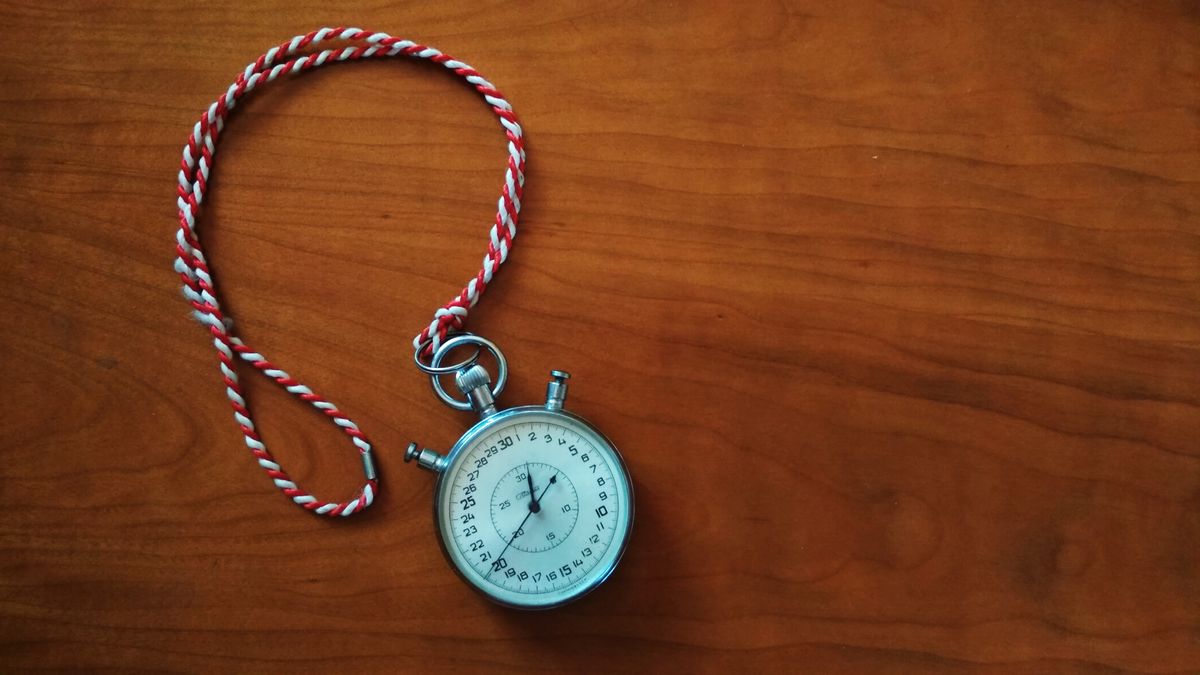
Photo Anton Makarenko · Pexels #1078057
<FrameLayout
    android:layout_width="match_parent"
    android:layout_height="match_parent">

    <!-- drawn first: bottom of the stack -->
    <ImageView
        android:src="@drawable/stopwatch"
        android:scaleType="centerCrop" />

    <!-- drawn second: on top -->
    <TextView
        android:layout_gravity="bottom|start"
        android:text="Text on top of an image" />

</FrameLayout>
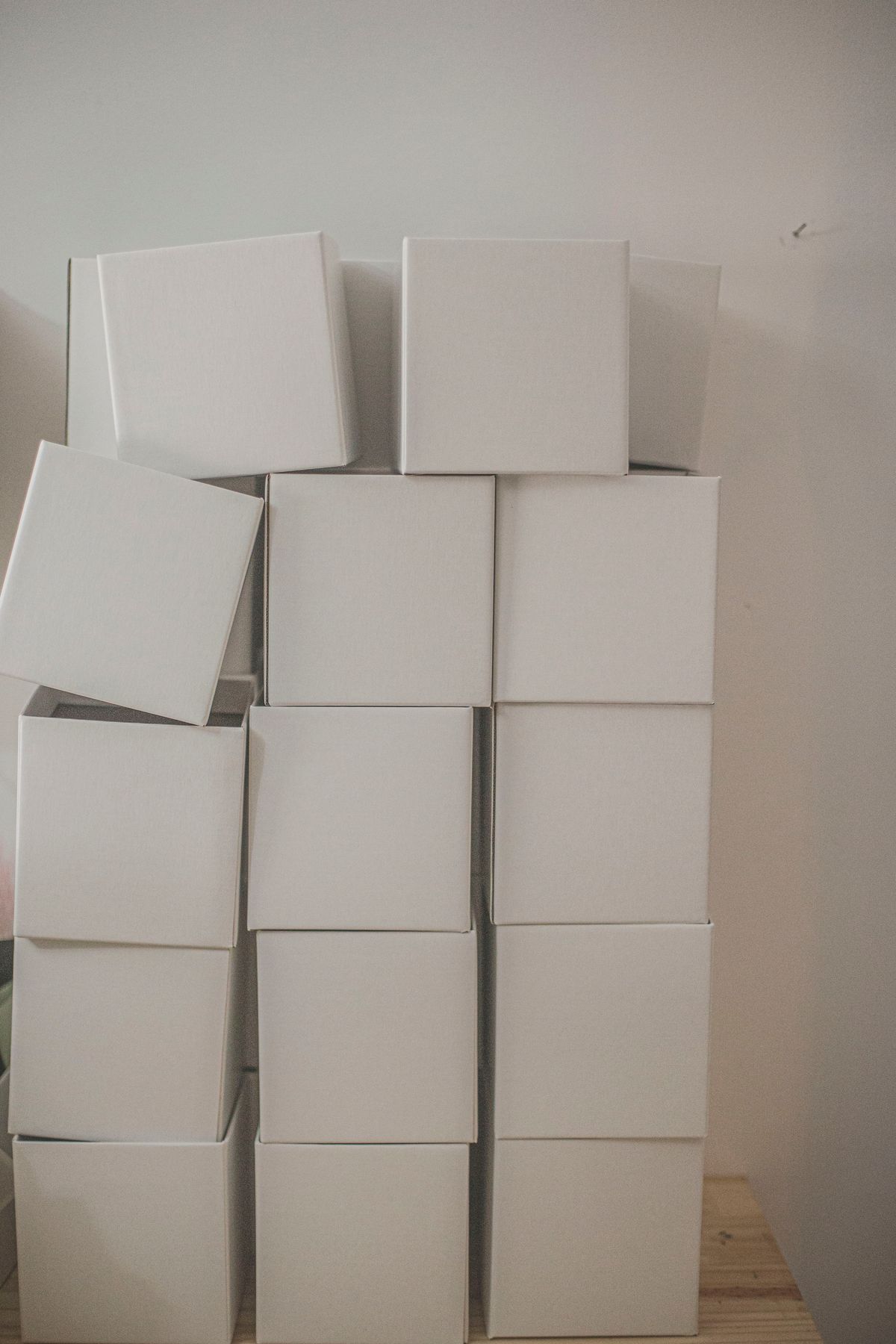
Photo Dalila Dalprat · Pexels #10938208 · every box sits in its parent. Move one and only one moves — that is layout_gravity.
Because there is no spare room to move into.
If a view already fills its parent — layout_width="match_parent" and layout_height="match_parent" — then layout_gravity has nothing to do. The view occupies every available pixel, so “bottom” and “top” describe the same rectangle.
That is the single most common reason a student's centring “just does not work”: the four attributes are fighting each other. Try it on the right-hand panel above — set the box to match_parent in both directions and watch the position picker stop having any effect.
The mental test: gravity is pointless if the contents already fill the view; layout_gravity is pointless if the view already fills the parent.